Frequently asked questions
What is the IHSS Timesheet Generator and who is it for?
The IHSS Timesheet Generator is a free browser-based tool built by IHSS Connect to help California IHSS and WPCS providers plan their monthly hours before submitting through the state’s eTimesheets portal at etimesheets.ihss.ca.gov. It’s designed for any provider who wants to avoid timesheet rejections, violations, or missed hours — whether you’re new to IHSS or have been doing this for years.
Where do I find my monthly authorized hours?
Your monthly authorized hours are listed on your Notice of Action (NOA) letter, which is mailed to you by your county IHSS office whenever your authorization is approved or updated. If you’ve misplaced your NOA, contact your county IHSS office or ask your recipient’s social worker — they can confirm the current authorized amount on file.
What is a pay period in IHSS, and why are there two per month?
IHSS divides each calendar month into two pay periods. Pay Period 1 covers the 1st through the 15th of the month, and that timesheet should be submitted on or after the 16th. Pay Period 2 covers the 16th through the last day of the month, and that timesheet should be submitted on or after the 1st of the following month. While some providers do submit their timesheets early, submitting hours before the pay period has ended can trigger a Notice of Potential Violation and may delay processing of your timesheet.
What is the weekly maximum and why does it matter?
Your weekly maximum is the most hours you can claim in any single Sunday-through-Saturday workweek, regardless of which pay period those days fall in. For providers with one recipient, the standard cap is 70 hours and 45 minutes per week. Providers with two or more recipients are capped at 66 hours per week. Providers with an approved exemption — such as a live-in family member (Exemption 1) or extraordinary circumstances (Exemption 2) — may work up to 90 hours per week, up to a maximum of 360 hours per month.
What is a “split week” and why is it the most common source of errors?
A split week happens when a Sunday-through-Saturday workweek crosses the 15th of the month — meaning some days fall in Period 1 and some fall in Period 2. Your weekly maximum applies to the entire week combined, across both periods. Many providers unknowingly enter their full authorized hours into Period 1 for those days, then try to enter more hours for the same week in Period 2, which pushes them over their weekly cap and triggers a rejection. The IHSS Timesheet Generator automatically identifies split weeks and distributes hours correctly across both periods.
What is a “carryover week” and does it affect my timesheet?
A carryover week occurs when the first day of the month doesn’t fall on a Sunday. In that case, the days before the 1st from the previous month share a workweek with the new month’s first few days. Hours you worked during those previous-month days count toward the weekly maximum for your first workweek of the new month. If you worked a full week at the end of last month and the new month starts mid-week, you may have little to no remaining weekly budget for the first few days of the new period. The tool accounts for this when you enter prior-month hours in the carryover field.
Is this tool officially affiliated with the California Department of Social Services or my county IHSS office?
No. The IHSS Timesheet Generator is an independent tool built by IHSS Connect to help providers navigate the timesheet process more confidently. It is not affiliated with, endorsed by, or connected to the California Department of Social Services (CDSS), any county IHSS office, or the eTimesheets portal. This tool is a planning guide only. Always verify your authorized hours and any questions about your specific situation with your county social worker or recipient before submitting your timesheet.

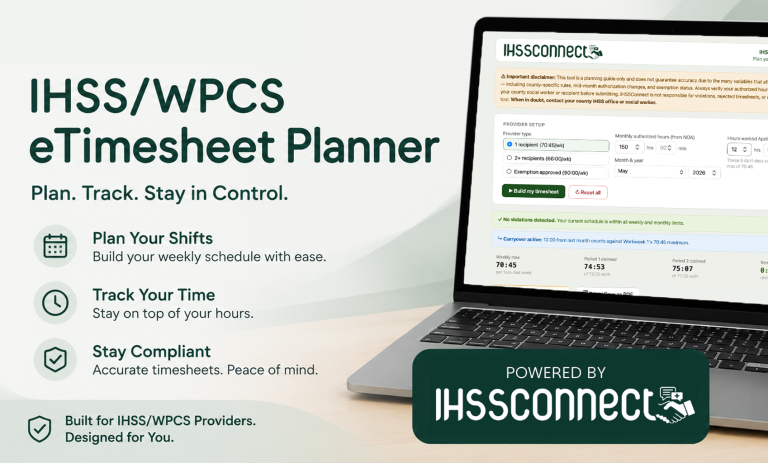
 IHSS/WPCS eTimesheet PlannerPlan your pay periods & avoid violations